
AI Coding Agents and Vibe Coding: Using Claude Code and Codex Together
An AI coding agent reads your project files, edits them and runs commands to test its changes. Claude Code and Codex are the best-known examples. Vibe coding, describing what you want and iterating with the AI rather than writing every line, is fast, but it can quietly break something elsewhere. This guide covers the basics, explains why two agents beat one, and shows how PIXENTOR's dev mode keeps your original code safe until you approve.
What are AI coding agents and vibe coding?
An AI coding agent works directly in your project: it reads the code, makes changes and runs tests. Instead of pasting snippets into a chat, you give it a goal and it works through the steps.
Vibe coding is a style of working where you focus on the result you want, describe it in plain words, and go back and forth with the AI until it is right. It is quick and approachable, but because you are not reading every line, review and testing become essential.
How to use Claude Code: the basic flow
Claude Code is a coding agent you sign in to with a Claude plan; Codex works the same way with a ChatGPT plan. The usual flow is to choose a project folder, describe the change precisely, check what changed, and then apply it.
- Choose the project to work on
- Describe the change you want precisely
- Check the changed files and screens
- Look at the test results, then apply
Use coding agents together instead of picking one
Rather than comparing agents and choosing a single winner, let different agents build and review each other's work. Each tool has its own strengths and blind spots, so a second agent is good at catching what the first one missed.
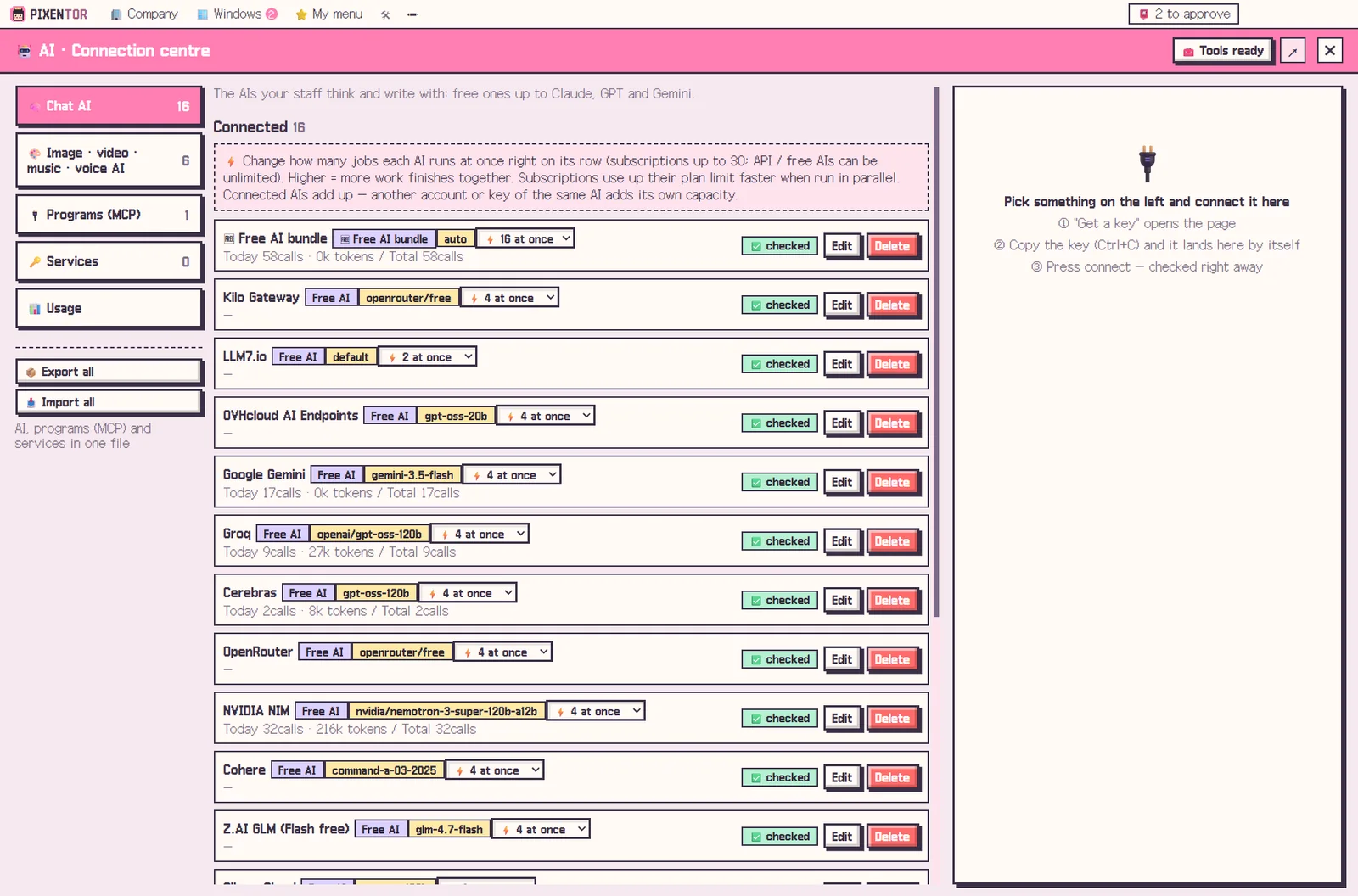
In PIXENTOR you can install and sign in to Claude Code, Codex, Antigravity, Copilot and Cursor with one click and assign them to staff. There are no separate API fees; each one works within its own plan's limits.
This also helps with usage limits. If one plan runs out partway through a task, another connected agent can continue, so a long refactor or bug hunt does not simply stop.
Dev mode: your original changes only when you approve
Connect your project in dev mode and Claude Code or Codex staff fix and test it on a copy. Another AI reviews the change, and you see before-and-after screens of what changed.
Nothing merges into the original until you approve it. Your project files and AI keys stay on your PC throughout.
Who this is for
If you already code, this gives you a second pair of eyes from a different model on every change. If you do not, you can still describe what you want, watch the before-and-after screens, and approve only what looks right.
The app is free and runs on Windows 10 and 11. If you already pay for a Claude or ChatGPT plan, connecting those agents adds no extra cost.
A good first task is something small and visible, like a layout fix on one screen. You will see how the fix, the review and the before-and-after comparison fit together before trusting the team with bigger changes.
How to try it in PIXENTOR
- Found a dev company and connect your project — Use the Software studio or App & SaaS template, then connect your project in dev mode.
- Give coding staff an AI — Install and sign in to Claude Code or Codex with one click and assign it to a developer. Your existing plan is used.
- Give the CEO a task — For example, "fix the button alignment on the login screen". A developer fixes and tests it on a copy, and another AI reviews it.
- Check before and after, then approve — Review the before-and-after screens and review notes in your approval inbox. Approval merges the change into the original.
FAQ
Can I do vibe coding without knowing how to code?
Describe what you want and a developer employee does the work, then shows you before-and-after screens so you can check the result and approve it.
Does Claude Code cost extra in API fees?
No. Claude Code signs in with your Claude plan and works within its limits. Codex works the same way with a ChatGPT plan.
Will the AI change my original code directly?
No. It fixes and tests on a copy, and changes merge into the original only after you approve.
Can I use Claude Code and Codex together?
Yes. Give different staff different agents so one fixes and the other reviews.
Does it work on Mac?
Right now only Windows 10/11 is supported. A Mac version is planned.
Related guides
- Choosing an AI Agent App: Free AI Agents on Windows
- Multi Agent AI: How to Build an AI Team That Works in Parallel
- ChatGPT, Claude and Gemini Together: Turn Multiple AIs into One Team
- AI Workflow Automation: The Next Step After Automating with One Chatbot
- See all industry templates
⬇ Free download for Windows