
AI YouTube Automation: Plan, Script and Produce Videos with an AI Team
Every YouTube video goes through the same chain: plan, script, voice, visuals, title and thumbnail text, then upload. Each step needs a different skill, which is why AI YouTube automation usually means combining a chat AI, a voice AI and a video AI. This guide breaks down the stages, shows a team setup that suits YouTube Shorts AI automation, takes an honest look at earning from YouTube, and explains how PIXENTOR keeps uploads under your control.
The stages of AI YouTube automation
A single video touches several kinds of work. Splitting them out makes it clear which AI should handle each part and where a person needs to step in.
- Topic and trend research, then planning
- Scripts for Shorts and long-form videos
- AI voice and background music
- Video and image sources
- Titles, descriptions and tags
A team setup for YouTube Shorts AI automation
Shorts are short and need to go out often, so there is a lot of repeated work. Give scripting and video to separate staff and let work at the same stage run in parallel, and the whole pipeline speeds up.
PIXENTOR connects 28 specialist AIs, including video AIs like Runway and Kling and voice AIs like ElevenLabs. Each one is paid directly to its provider. To keep costs down, you can plan and write scripts with free AIs and use paid video or voice AIs only for the parts that need them.
Departments at the same stage work at once, and later stages wait only when they need earlier results. That matters for video: when a script changes, voice and visuals have to change too, so it pays to review and lock the script before producing the rest.
Making money on YouTube with AI: set realistic expectations
Earning from YouTube with AI is a popular search, but automation does not promise views or income. A channel grows through a clear topic, consistent uploads, and adjusting based on how viewers respond.
What AI really saves is production time. The realistic way to use it is to spend that saved time on planning and reviewing, which are the parts that decide whether people watch.
Uploads happen only after you approve
Finished work arrives in your approval inbox with a review report. Uploading or posting anywhere runs only after you approve it, and you set how much the AI CEO can do on its own with four permission levels.
Scripts, audio, video sources and AI keys stay on your PC. Approved work builds your company history, so it is easy to look back at what you made for earlier videos.
Getting started for free
The app is free, and you can start planning and scripting right away with no-sign-up free AIs. The free plan includes one building and three companies with every feature, including the YouTube and Shorts & Reels templates.
Add video and voice AIs when you are ready. In the connection center you copy a key and it fills itself in, and a connected AI walks you through any step you get stuck on.
How to try it in PIXENTOR
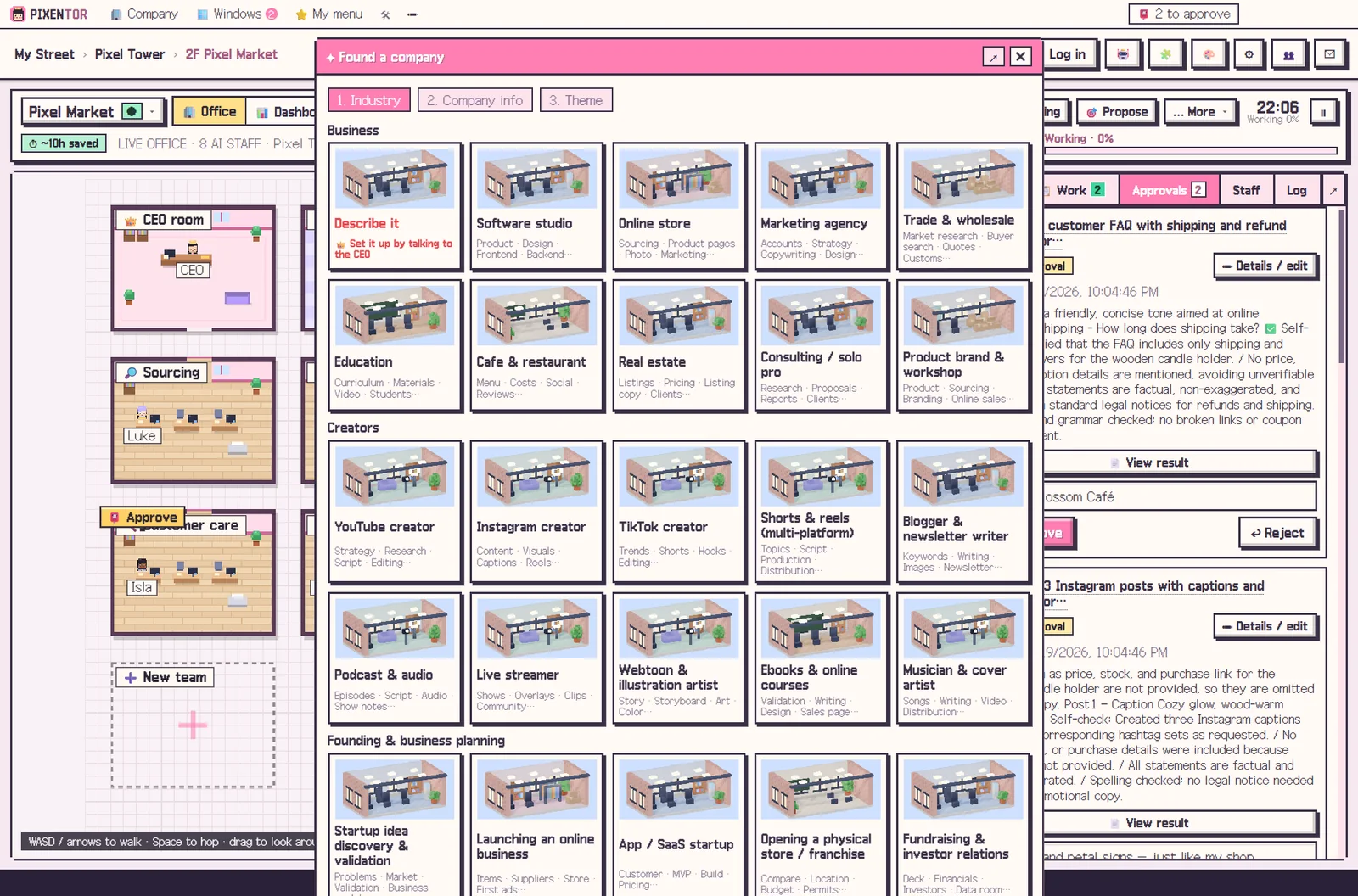
- Found a YouTube company — Pick the YouTube or Shorts & Reels template under Creators; teams, staff and suggested services are ready.
- Connect the AIs you need — Copy video and voice AI keys in the connection center. You can also start with free AIs for planning and scripts.
- Give the CEO a task — For example, "plan and script three Shorts this week". The CEO splits research, scripts and video, and has staff review each other.
- Approve, then upload — Check the results and report in the approval inbox. Uploads only happen after approval.
FAQ
Can AI YouTube automation make the video too?
Connect video AIs like Runway or Kling and staff can use video sources in their work. Usage of connected AIs is paid directly to each provider.
Does YouTube Shorts AI automation upload automatically?
No. Uploads only run after you approve them in the approval inbox.
Can I make money on YouTube with AI?
PIXENTOR helps with production; it does not guarantee income. How you run your channel is up to you.
Can I start for free?
Yes. The app is free, and you can start planning and scripting right away with no-sign-up free AIs.
Related guides
- AI Content Automation: Run Writing, Images and Video as One Team
- AI Instagram Automation: Hand Planning, Images and Captions to an AI Team
- AI Side Hustle Reality Check: What to Know Before You Try to Make Money with AI
- AI Marketing Automation: Hand Copy and Campaign Planning to an AI Team
- See all industry templates
⬇ Free download for Windows