
AI Instagram Automation: Hand Planning, Images and Captions to an AI Team
A single Instagram post needs a topic, an image or video, a caption and hashtags, and each of those is done best by a different kind of AI. Text comes from a chat AI, pictures from an image model, short clips from a video model. This guide shows how to organize AI Instagram content as a team in PIXENTOR, takes an honest look at making money on Instagram, and explains why nothing gets posted without your approval.
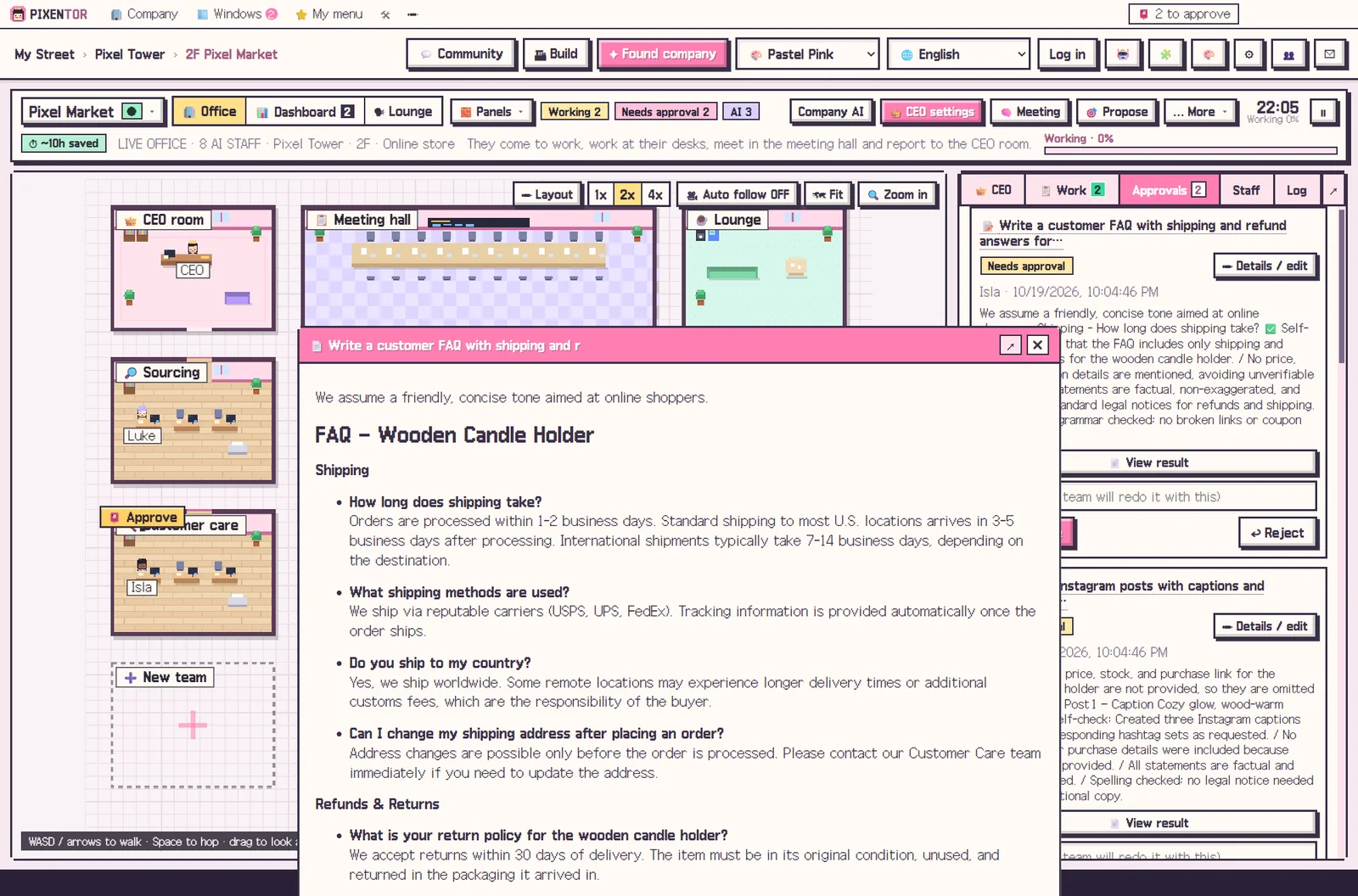
How AI Instagram content gets made
Splitting a post into its parts lets each one go to the AI that handles it best. That usually gives better results than asking one chatbot for everything.
- Account concept and a weekly content plan
- Images for posts and carousels
- Several caption and hashtag options
- Ideas for short Reels videos
Leave images and video to specialist AIs
PIXENTOR connects 28 image, video, music and voice AIs, including FLUX, Runway, Kling and ElevenLabs, and their output feeds straight into your staff's work. In the connection center you copy a key and it fills itself in; if you get stuck, a connected AI guides you step by step.
Each specialist AI is paid directly to its provider. To keep costs down, you can plan and write captions with free AIs and use paid image or video AIs only where they make a real difference.
Making money on Instagram with AI: a realistic view
Lots of people search for ways to earn on Instagram with AI, but no tool guarantees income. Opportunities come from posting consistently, having a recognizable style and actually engaging with followers.
What AI can help with is the consistency. If you receive a weekly plan and drafts as a routine, you can spend your time choosing and polishing instead of starting from scratch every day.
Posting happens only after you approve
The AI never posts to your account on its own. Posting and uploads run only after you approve them in the approval inbox, and before that you can compare the files before and after review and make changes.
Your images, captions and AI keys stay on your PC, and you decide how much the AI CEO may do with four permission levels.
A weekly rhythm for AI Instagram content
A workable routine looks like this: at the start of each week the team proposes a content plan based on your account concept, you choose what to make, and image and copy staff produce the posts in parallel. A reviewer with a different AI checks tone and facts before anything reaches you.
Because staff remember what they need from past work, your visual style and caption voice carry over from week to week. The edits you make during approval also guide what they produce next. You stay focused on what makes the account yours: the ideas, the community and the final call on every post.
The app is free; free AIs and existing subscriptions add no extra cost.
How to try it in PIXENTOR
- Found an Instagram company — Pick the Instagram or Shorts & Reels template under Creators; teams, staff and suggested services are ready.
- Give the CEO this week's content — For example, "three carousel posts and two Reels ideas this week". The CEO splits it across planning, images and copy.
- Staff create and cross-check — Image and copy staff work at the same time, and another AI checks tone and facts.
- Approve, then post — Review the results in the approval inbox. Posting only happens after approval.
FAQ
Does AI Instagram automation post to my account automatically?
No. Posting and uploads only run after you approve them in the approval inbox.
Can it make images for Instagram?
Yes. Connect an image AI such as FLUX and staff use it directly in their work. Image AI usage is paid to that provider.
Can I make money on Instagram with AI?
PIXENTOR helps produce content; it does not guarantee income. Consistent posting and how you run the account are up to you.
Can I manage it from my phone?
The app is a Windows 10/11 desktop app. Phone remote, for approving and giving orders on the go, is part of the PRO plans, which are coming soon.
Related guides
- AI Content Automation: Run Writing, Images and Video as One Team
- AI YouTube Automation: Plan, Script and Produce Videos with an AI Team
- AI Marketing Automation: Hand Copy and Campaign Planning to an AI Team
- AI Side Hustle Reality Check: What to Know Before You Try to Make Money with AI
- See all industry templates
⬇ Free download for Windows