
AI Blog Automation: From Draft to Review to Your Approval
A blog post usually goes through the same stages: choose a topic, research, outline, draft, polish and check. AI is fast at the research and drafting, but your own experience and fact-checking still matter most. This guide shows a sensible AI blog automation workflow, explains why the writer and reviewer should be different AIs, and walks through doing it in PIXENTOR, a free Windows app.
The basic AI blog writing workflow
Break a post into stages and hand AI the parts it does well, while you keep the parts that need a person.
- Gather keywords and topic ideas
- Research and collect sources
- Outline and first draft
- Edit for clarity and check the facts
Using AI on your blog without hurting it
Mass-producing posts in the same format is rarely a good idea, whichever platform you publish on. What makes a post worth reading is what only you can add: your experience, your photos, and information you checked yourself. Treat an AI draft as a starting point and rewrite it in your own voice.
Everything PIXENTOR produces is saved as files on your PC, so you can take the draft, edit it, and publish it on whatever blog or newsletter platform you use.
Why a different AI should review the draft
When one AI writes and reviews its own work, it tends to miss the same things twice. PIXENTOR lets you give each employee a different AI, so the writer and the reviewer are separate, and the final-review team checks facts with web search.
Staff pick one to three skills that fit each task on their own, and they pull only the memories they need from past posts, which helps keep tone and direction consistent across a series.
Publish regularly with routines
Ask once, for example "every Monday, prepare five topic ideas", and it keeps happening as a routine. Published work builds up in the company history, which makes earlier posts easy to find when you want to link back or update them.
The app is free. Free AIs or subscriptions you already have add no extra cost; if you add paid AIs, you pay those fees directly to the provider.
What a realistic blog workflow looks like
A practical rhythm is to let the team prepare topic ideas and research at the start of the week, pick the ones you like, and have staff draft them. You then add your own examples, photos and opinions before publishing. AI handles the repetitive part; you handle the part readers come for.
If you write in a niche, tell the CEO up front who your readers are and what tone you want. Staff carry that context forward through their memories, and the edits you make in the approval inbox show them what you expect. Over a few weeks, drafts tend to need less rework because the team has a clearer picture of your blog.
Your posts, notes and AI keys stay on your PC the whole time.
How to try it in PIXENTOR
- Found a blog company — Pick the Blog & newsletter template under Creators; planning, writing and review teams are ready.
- Give the CEO a topic — For example, "write four posts on camping gear for beginners". The CEO splits research, writing and polishing.
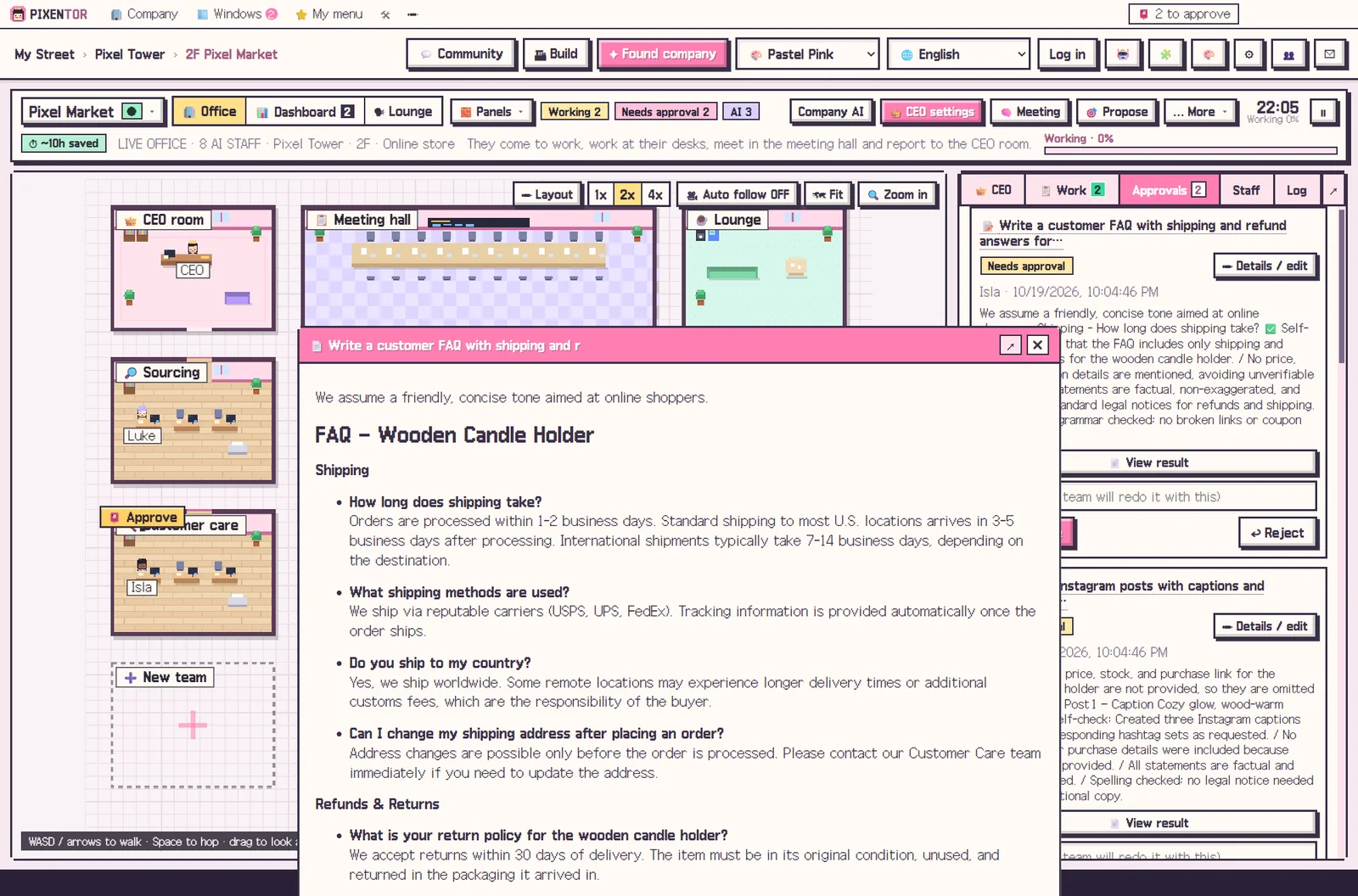
- Write, then cross-check — A writer drafts, another AI reviews, and the final-review team verifies facts with web search.
- Approve, then publish — Compare files before and after review and approve. Publishing only happens after approval.
FAQ
Can I publish AI-written blog posts as they are?
It is better to add your own experience and photos and do a final edit. PIXENTOR sends reviewed drafts to your approval inbox so you can do that.
Does it work with any blog platform?
Yes. Finished posts are saved on your PC, so you can move them to whichever blog you use. Publishing only happens after you approve it.
Does AI blog automation cost money?
The app is free to start. Free AIs or existing subscriptions add no extra cost; paid AIs are billed directly by each provider.
Can I keep a consistent writing voice?
Staff pull the memories they need from past work, which makes it easier to continue the direction of earlier posts. Edits you make at approval also inform later work.
Related guides
- AI Content Automation: Run Writing, Images and Video as One Team
- AI Marketing Automation: Hand Copy and Campaign Planning to an AI Team
- AI Side Hustle Reality Check: What to Know Before You Try to Make Money with AI
- AI Workflow Automation: The Next Step After Automating with One Chatbot
- See all industry templates
⬇ Free download for Windows