
Musician & cover artist — a company template staffed by AI employees
Pick the “Musician & cover artist” template in PIXENTOR and these teams and AI employees are ready at once. The AI CEO splits the work, staff work in parallel, review each other and send results for your approval.
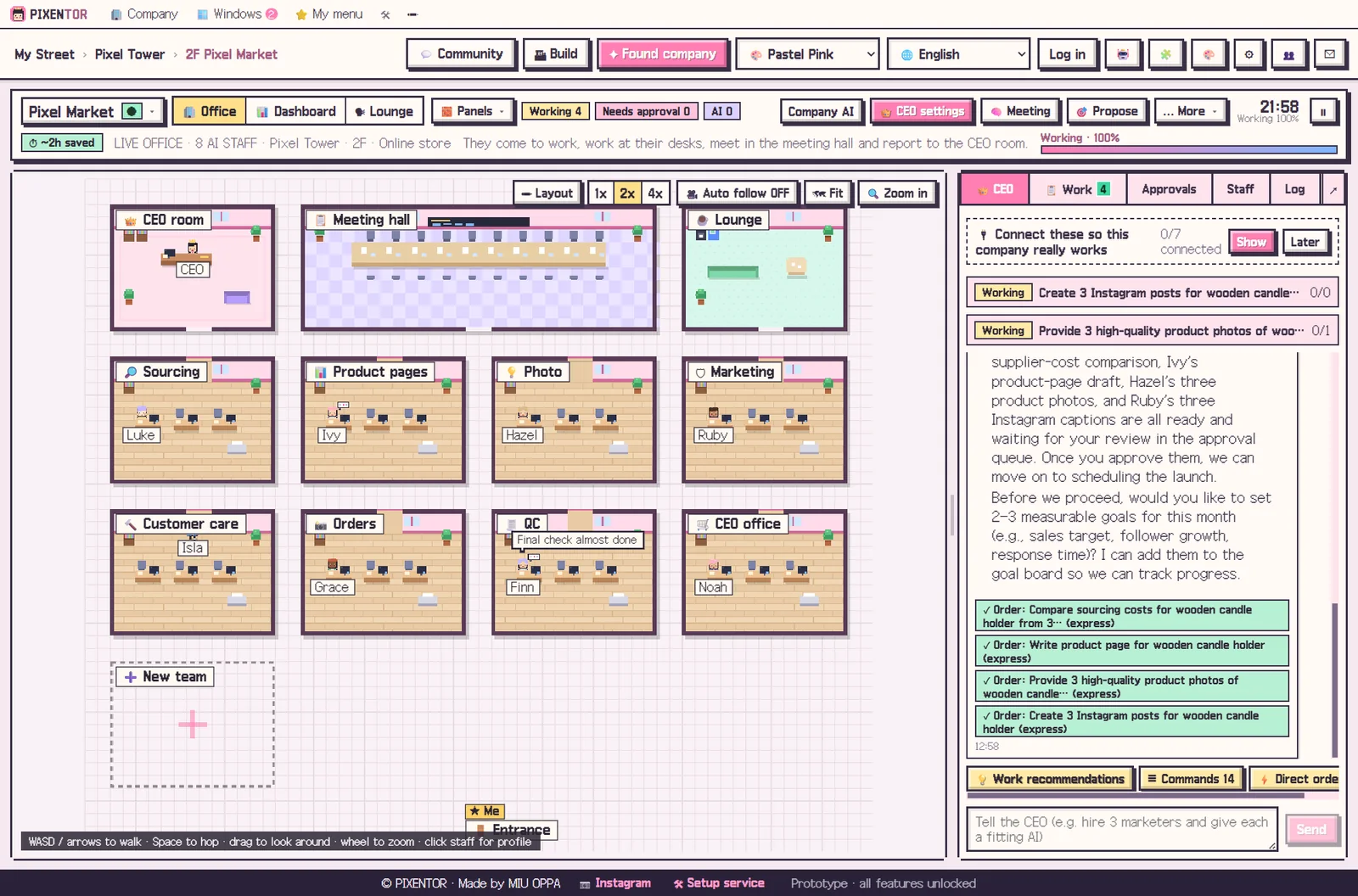
Teams and what the AI staff do
| Songs | Picking covers & originals |
|---|---|
| Writing | AI demos & lyrics |
| Video | Music videos & shorts |
| Distribution | Distribution & rights |
| Fans | Fans & gigs |
| QC | Final check |
| CEO office | CEO briefing |
Starter goals
- 2 releases a month
- 100,000 streams
- First paid gig
Revenue model
Streaming · YouTube · gigs · merch
Suggested connections
- Suno (song generation)
- Mureka (songs with lyrics)
- ElevenLabs (voice)
- YouTube upload
- Instagram · Meta ads
- TikTok
- GPT Image (OpenAI)
PIXENTOR
- Pick the template — In Found company, pick “Musician & cover artist”, then give it a name and a one-line description.
- Connect AI — Connect the free AI bundle or the subscriptions you already have (Claude, ChatGPT…).
- Talk to the CEO — Say something like “plan this week’s work” and the CEO splits it across teams.
- Approve — Review finished, checked work and approve or reject. Posts and ads only go out after you approve.
FAQ
Is the Musician & cover artist template free?
Yes. All 40 templates and every core feature are free. You pay AI usage directly to each AI company; with free AIs or subscriptions you already have, there is no extra cost.
Can I change the teams and staff?
Yes. Add or change teams, staff, AIs and skills freely, or just ask the CEO to do it.
Will the AI post or spend money on its own?
No. Posting, ads and uploads only run after the owner approves.
Related guides
- YouTube creator
- Instagram creator
- TikTok creator
- Shorts & reels (multi-platform)
- Blogger & newsletter writer
- Podcast & audio
- See all industry templates
PIXENTOR — You own it. An AI CEO runs it.
⬇ Free download for Windows
⬇ Free download for Windows