
Software studio — a company template staffed by AI employees
Pick the “Software studio” template in PIXENTOR and these teams and AI employees are ready at once. The AI CEO splits the work, staff work in parallel, review each other and send results for your approval.
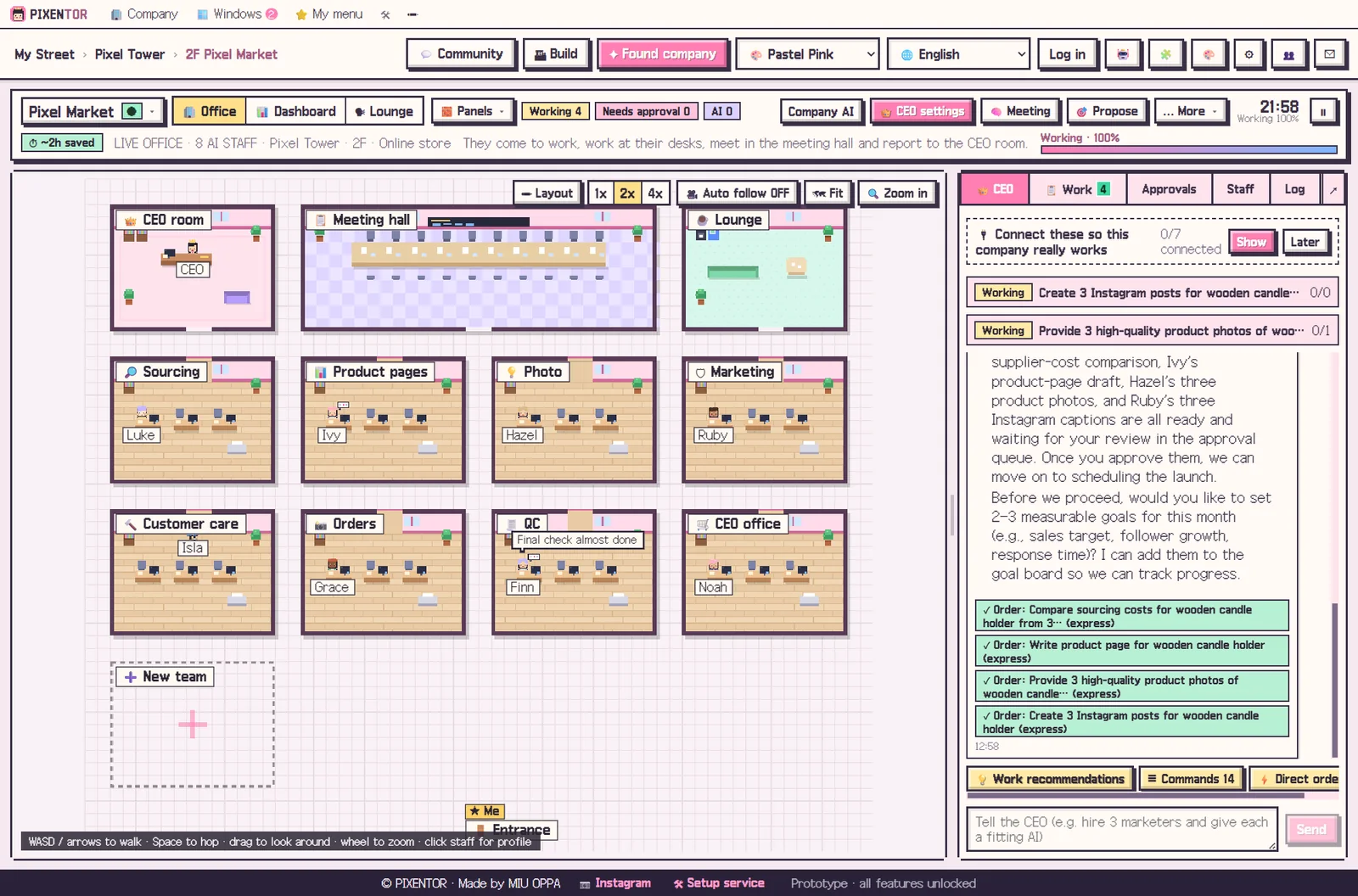
Teams and what the AI staff do
| Product | Writing specs |
|---|---|
| Design | UI mockups |
| Frontend | Building UI |
| Backend | Building APIs |
| QA | Testing |
| DevOps | Shipping |
| CEO office | CEO briefing |
Starter goals
- Ship the MVP within 3 months
- Get 100 beta users
- Keep critical bugs at zero before each release
Revenue model
Client projects · subscriptions for the product
Suggested connections
- GitHub
- Tavily search
- Notion (read·write)
- Vercel
- Supabase
PIXENTOR
- Pick the template — In Found company, pick “Software studio”, then give it a name and a one-line description.
- Connect AI — Connect the free AI bundle or the subscriptions you already have (Claude, ChatGPT…).
- Talk to the CEO — Say something like “plan this week’s work” and the CEO splits it across teams.
- Approve — Review finished, checked work and approve or reject. Posts and ads only go out after you approve.
FAQ
Is the Software studio template free?
Yes. All 40 templates and every core feature are free. You pay AI usage directly to each AI company; with free AIs or subscriptions you already have, there is no extra cost.
Can I change the teams and staff?
Yes. Add or change teams, staff, AIs and skills freely, or just ask the CEO to do it.
Will the AI post or spend money on its own?
No. Posting, ads and uploads only run after the owner approves.
Related guides
- Online store
- Marketing agency
- Trade & wholesale
- Education
- Cafe & restaurant
- Real estate
- See all industry templates
PIXENTOR — You own it. An AI CEO runs it.
⬇ Free download for Windows
⬇ Free download for Windows